
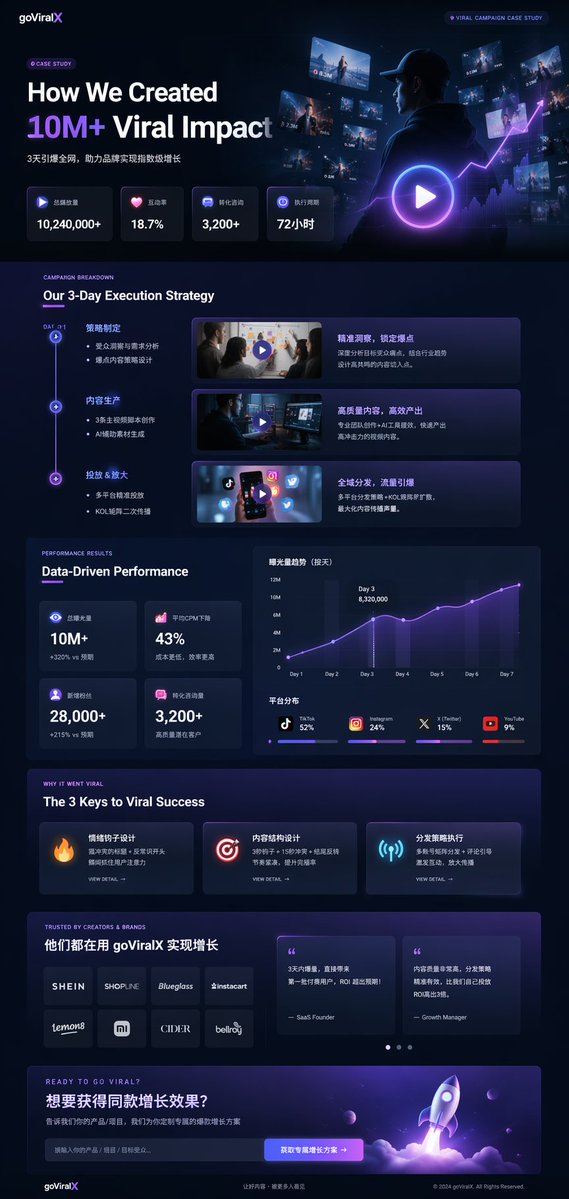
 GPTI-1155
Product Marketing - Dark Mode Marketing Case Study UI
A comprehensive, data-dense landing page mockup for a marketing agency featuring timelines, charts, and glowing neon accents.
This prompt generates a sleek faux Microsoft product banner combining PowerPoint, Word, and Excel branding into one polished 3D marketing-style image.
Prompt
A clean minimalist corporate promo graphic on a very light gray background, centered horizontally. On the left, create a glossy 3D stack of 4 overlapping Microsoft Office-style app icons with rounded corners and soft shadows: frontmost a large blue PowerPoint tile with a smaller raised blue square containing a bold white capital P; behind it a white and blue Word document icon with a folded top-right corner and 3 horizontal blue text lines; behind that a green Excel sheet icon with a white grid; and at the back an orange presentation slide icon with a pale pie chart. The icons should be layered tightly into one compact cluster with modern smooth gradients, subtle reflections, and soft depth. To the right of the icon cluster, place the black word “Microsoft” in a clean sans-serif font above a single large headline reading “PowerWordEx”, visually combining 3 product names into one word: “Power” in an orange-to-red gradient, “Word” in a deep blue gradient, and “Ex” in a cyan-to-teal gradient. Keep the typography crisp and balanced, with generous whitespace, a polished tech-brand aesthetic, and a wide banner-like composition.
Attribution
Open the GPT Image 2 generator, paste a prompt from this library, and start iterating toward a usable image.
More like this
GPTI-1155A comprehensive, data-dense landing page mockup for a marketing agency featuring timelines, charts, and glowing neon accents.
 GPTI-323
A square Japanese luxury-tech promotional graphic for showcasing GPT Image 2 as a business-level creative production tool.
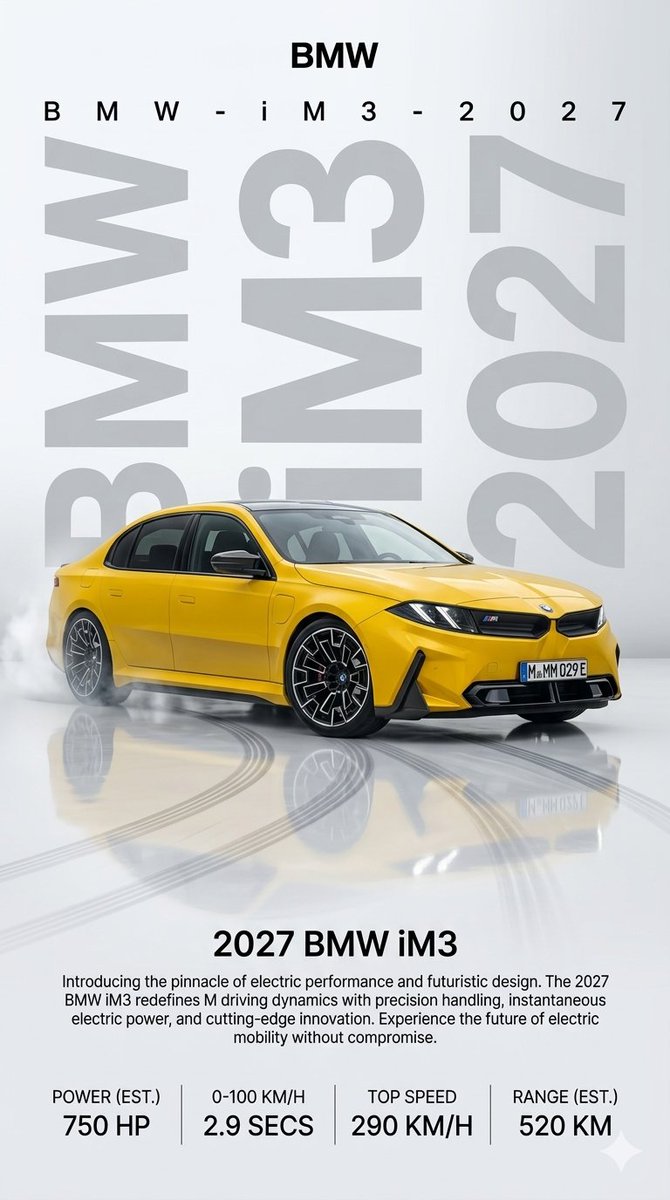 GPTI-448
Generates a vertical premium automotive advertisement poster featuring a yellow 2027 BMW iM3 concept with launch copy and performance stats.
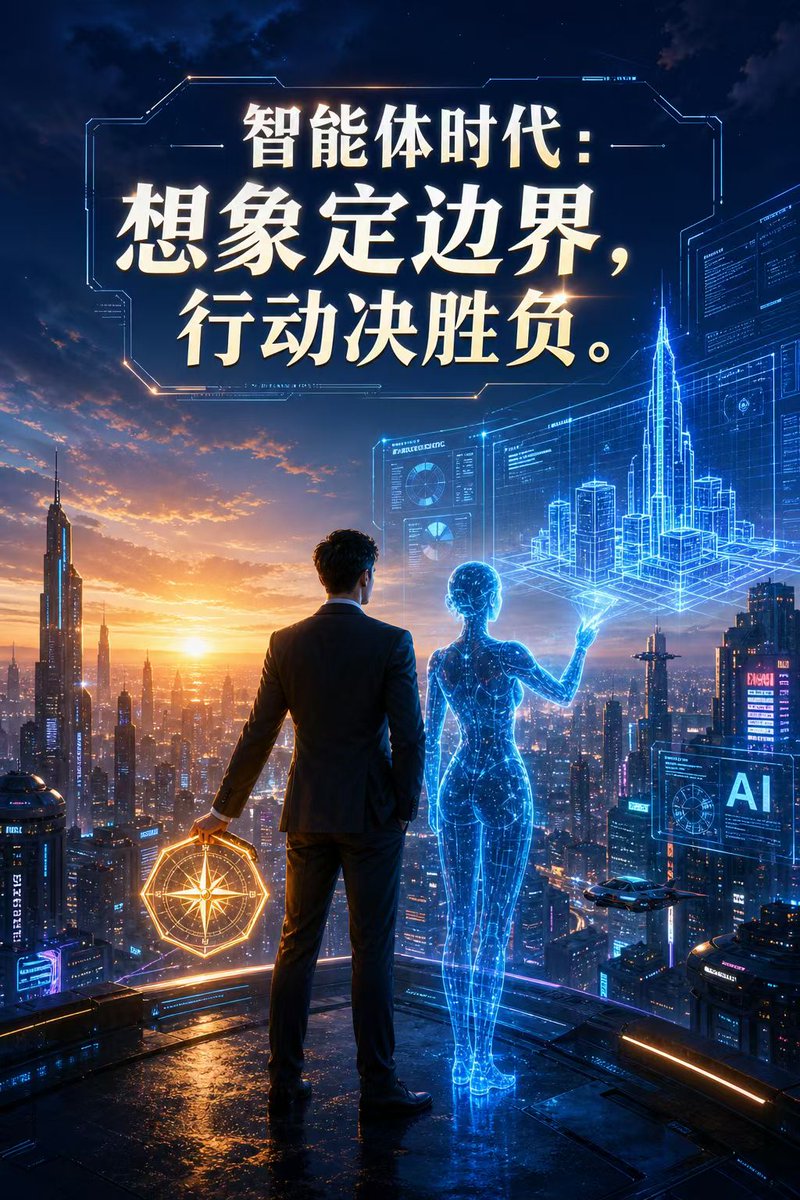 GPTI-633
A cinematic sci-fi poster of a businessman and a holographic AI overlooking a future city, ideal for technology branding, keynote visuals, and AI industry campaigns.
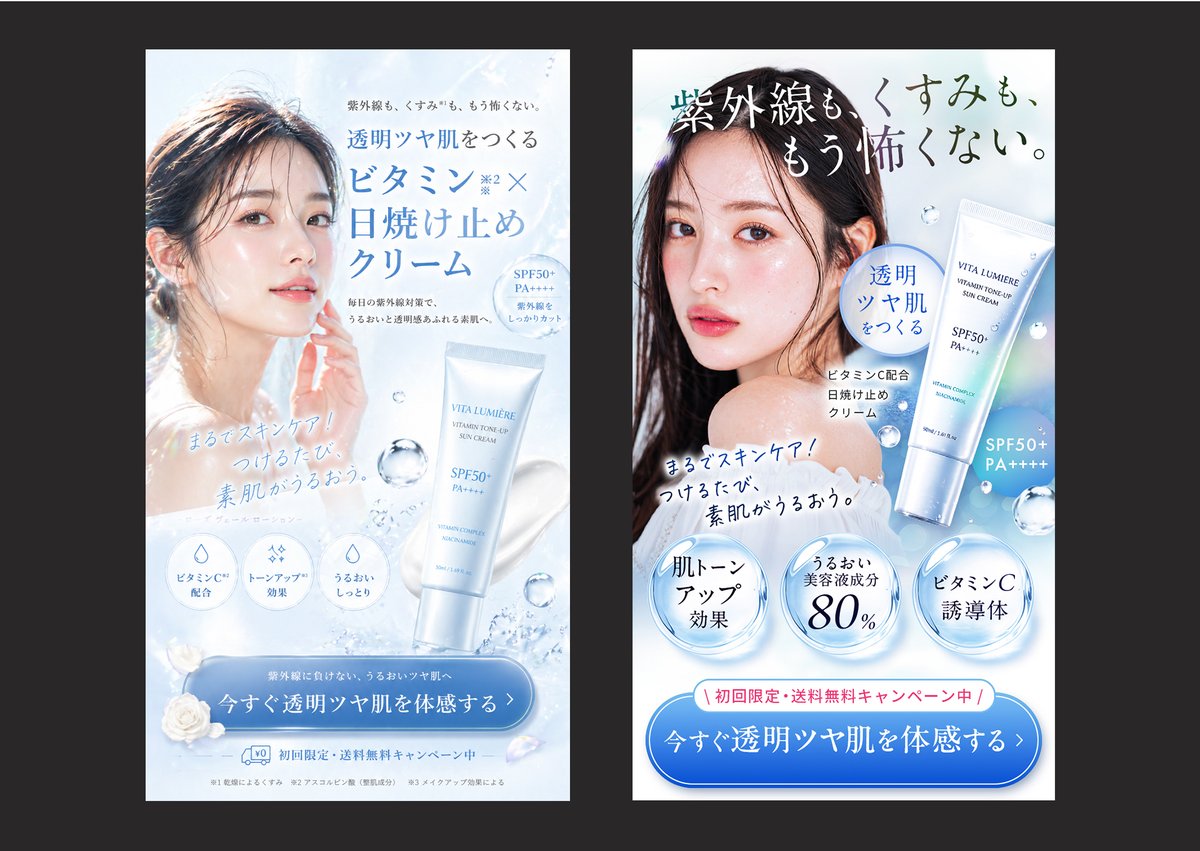 GPTI-636
A side-by-side Japanese sunscreen beauty ad comparison useful for illustrating the difference between a polished creative and a more conversion-focused advertising design.
 GPTI-750
A bold vertical real-estate ad poster promoting luxury homes and property investment, ideal for social media marketing or sales flyers.