
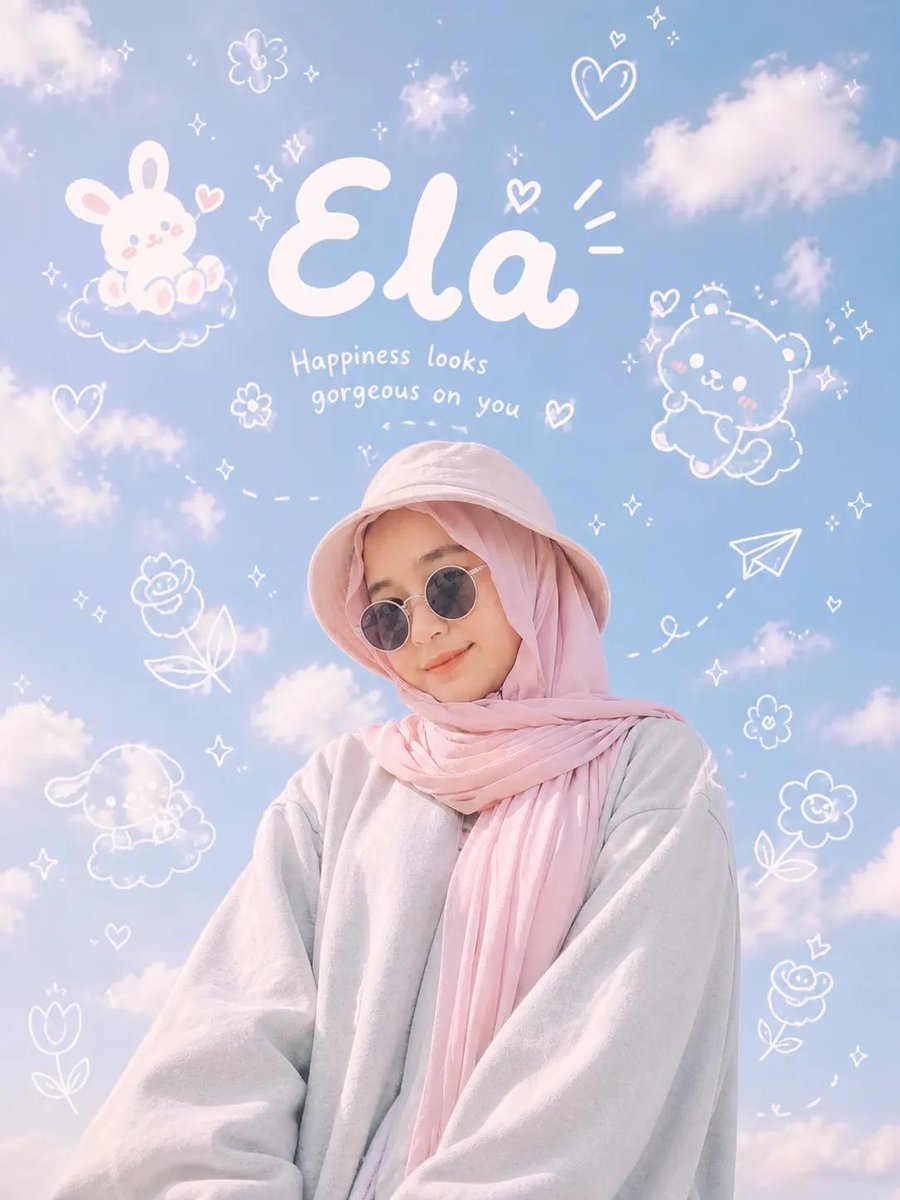
 GPTI-741
Social Media Post - Aesthetic Doodle Portrait
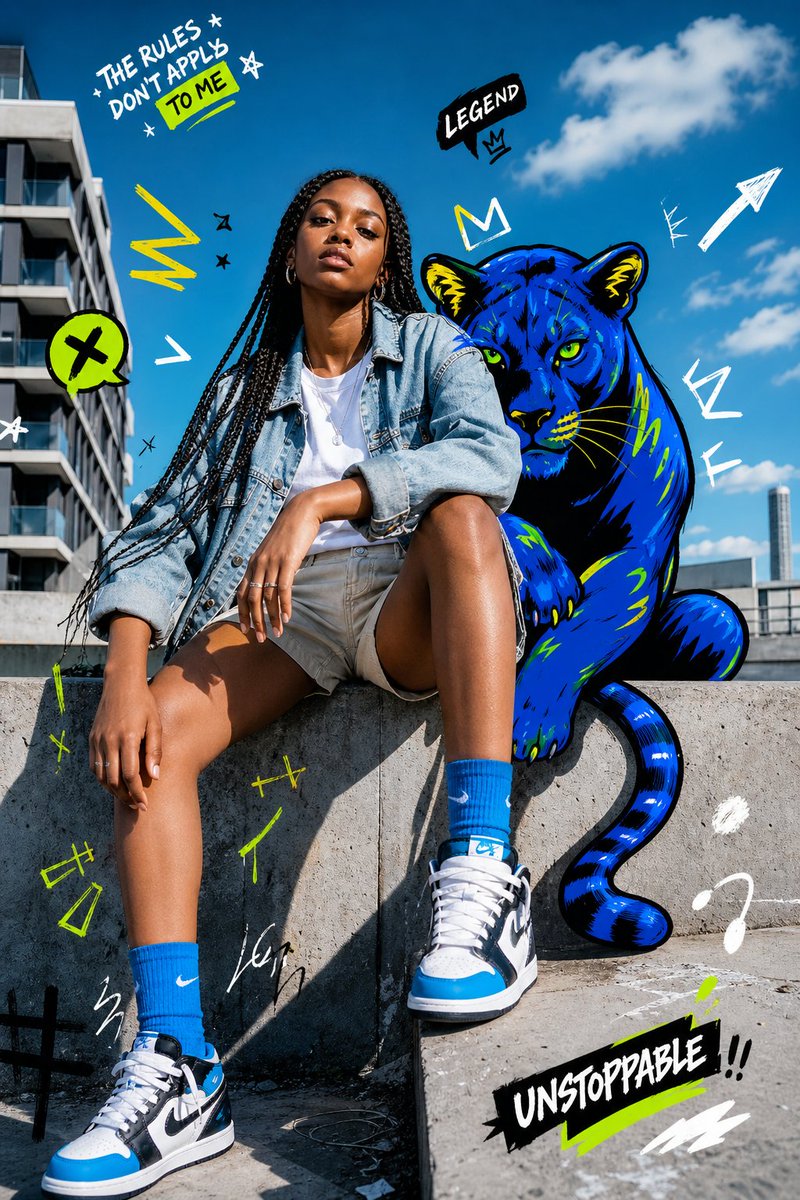
A creative prompt that blends ultra-realistic photography with playful hand-drawn doodles and typography, perfect for a modern Gen Z social media aesthetic.
An image editing prompt that adds artistic, hand-drawn doodles and humorous notes over a realistic photograph while preserving the original subject.
Prompt
Edit this image while STRICTLY preserving the original subject, composition, background, lighting, and perspective. Do not replace or alter the environment — the real-world setting must remain fully intact and realistic. Slightly enhance the overall mood to feel more cinematic and calm — subtly deepen shadows, soften highlights, and introduce a gentle moody or rainy atmosphere while keeping it natural. Now transform the image by adding a highly expressive, hand-drawn overlay that creates a sense of a “living micro world” around the product. Use a {argument name="art style" default="crayon + marker + pencil sketch style"} that feels playful, slightly messy, but intentional and artistic — not overly chaotic, but rich and layered. Add controlled chaos elements: Hand-drawn arrows pointing to key product details (texture, shine, layers), Scribble circles and highlight marks to guide attention, Energetic lines, swirls, and sketch marks that enhance focus (not random placement). Introduce tiny doodle characters interacting with the product: Small illustrated figures climbing, sitting, sliding, or reacting to the product. Keep them minimal but expressive. Add small speech bubbles with playful reactions like “BRO???”, “THIS IS CRAZY”, or “WE STAYING HERE”. Ensure all doodles feel integrated into the scene and follow the product’s shape and perspective. Create a strong emotional contrast: Background remains calm, soft, and slightly moody; Overlays are lively, bright, and energetic. Add layered handwritten notes in a natural human style (not clean fonts), such as: “this part tho…”, “wait—look at this”, “why is this so good”. Optionally include a bold handwritten phrase like: “{argument name="slogan" default="LAST DANCE"}” as a statement element. The final result should feel like a real photograph infused with imagination — a quiet scene brought to life by chaotic, playful thoughts.Attribution
Open the GPT Image 2 generator, paste a prompt from this library, and start iterating toward a usable image.
More like this
GPTI-741A creative prompt that blends ultra-realistic photography with playful hand-drawn doodles and typography, perfect for a modern Gen Z social media aesthetic.
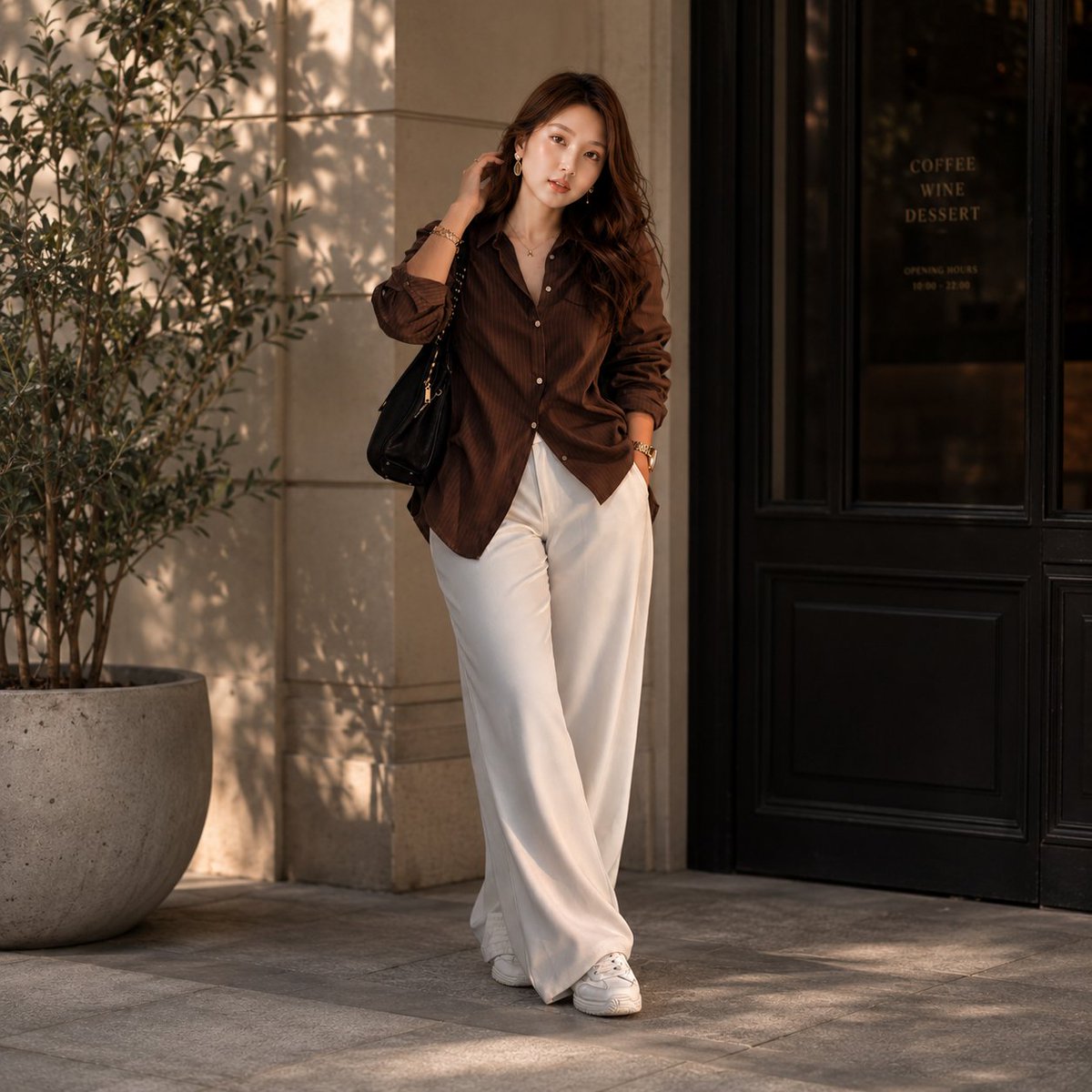 GPTI-267
High-end fashion editorial photography of a woman outside a European-style café, utilizing golden-hour lighting and realistic textures.
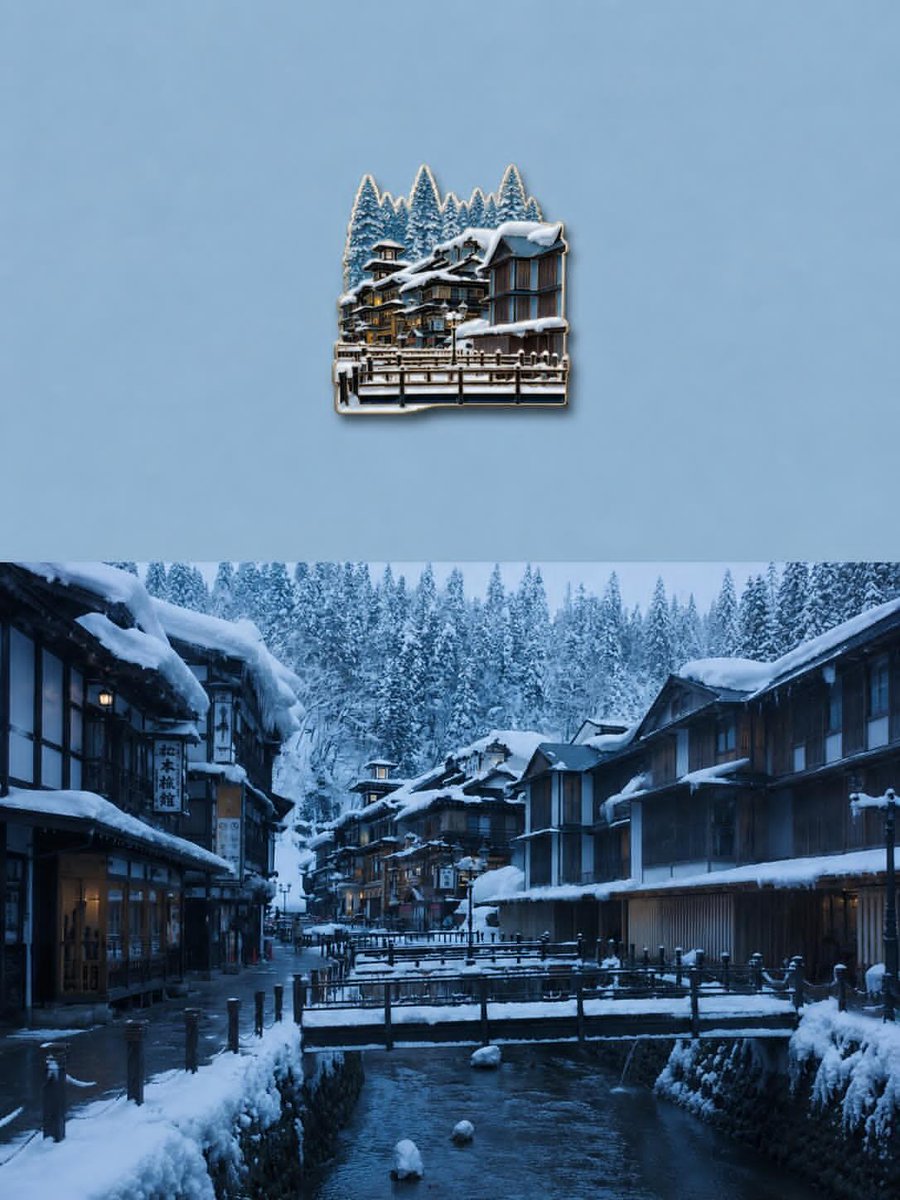 GPTI-369
Transform the uploaded image into a premium die-cut sticker illustration while keeping the main subject fully recognizable. Remove or simplify the original background and cleanly i...
 GPTI-486
A cinematic photoreal scene of a rain-soaked city street where a towering vertical ocean wall filled with whales rises between skyscrapers.
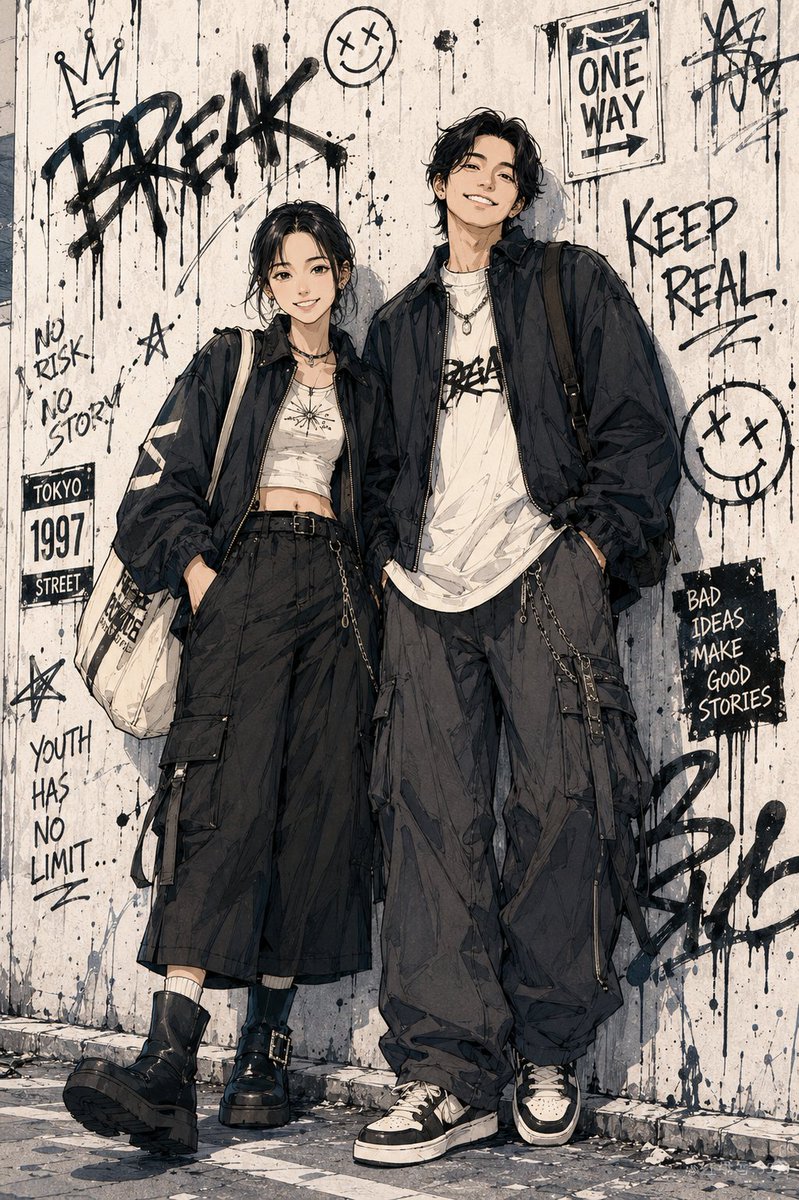 GPTI-638
A prompt for transforming photos into high-quality Japanese Shonen manga style characters with urban street fashion elements.
 GPTI-737
Generates a bold urban fashion portrait mixing realistic street photography with neon graffiti doodles and a blue panther companion.