
 GPTI-831
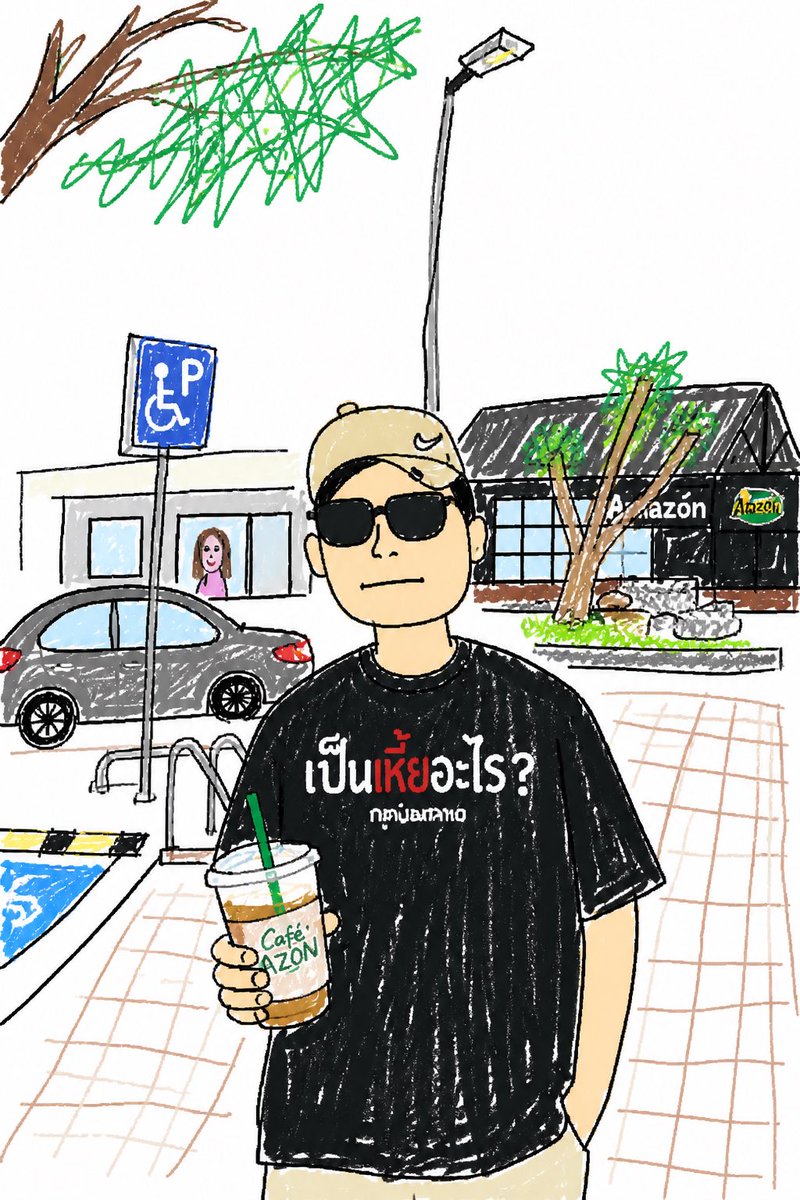
Social Media Post - Childlike Sketch Photo Transform
This prompt turns a reference photo into a humorous kid-style crayon sketch while preserving the original subject, pose, and key scene details.
Generates a realistic handheld café drink photo enhanced with playful white doodles that turn the cup into a whimsical superhero character.
Prompt
Create a realistic handheld street-food photo of a layered iced drink in a clear plastic takeaway cup with a domed flat lid, held close to the camera by a left hand wearing a muted gray-green long sleeve. The drink has three vivid layers: a deep ruby-red fruit base at the bottom, a cloudy white creamy middle with red streaks, and a thick bright matcha-green top with small dark specks. Set the scene outdoors in front of a small dessert drink stall, with shallow depth of field and natural daylight; the background should be softly blurred but still show a white sign reading “Eh! Chocolat,” a pink menu board, syrup bottles lined up on the counter, a green bottle at the right, and a colorful menu display at the left. Add playful white hand-drawn doodles directly over the photo so the cup becomes a cute superhero character: one kawaii face on the cup with two eyes, one open smile, two blush-mark groups, and one outlined star on its body; two noodle-like arms, two simple legs, and two small boots; one flowing cape extending to the right; one wand or magic staff with a circular tip; two small hearts, one four-point sparkle, and nine short motion/emphasis strokes around the cup. Keep the doodles casual, imperfect, bright white, and integrated with the subject as if sketched on top of the photograph. Use a vibrant candid smartphone photography look, high contrast, crisp focus on the drink and hand, blurred café-stall background, and a cheerful whimsical mood. Customize the stall sign text as {argument name="stall sign text" default="Eh! Chocolat"}, the drink top color as {argument name="drink top color" default="bright matcha green"}, the drink bottom color as {argument name="drink bottom color" default="deep ruby red"}, the doodle color as {argument name="doodle color" default="white"}, and the sleeve color as {argument name="sleeve color" default="muted gray-green"}.Attribution
Open the GPT Image 2 generator, paste a prompt from this library, and start iterating toward a usable image.
More like this
GPTI-831This prompt turns a reference photo into a humorous kid-style crayon sketch while preserving the original subject, pose, and key scene details.
 GPTI-254
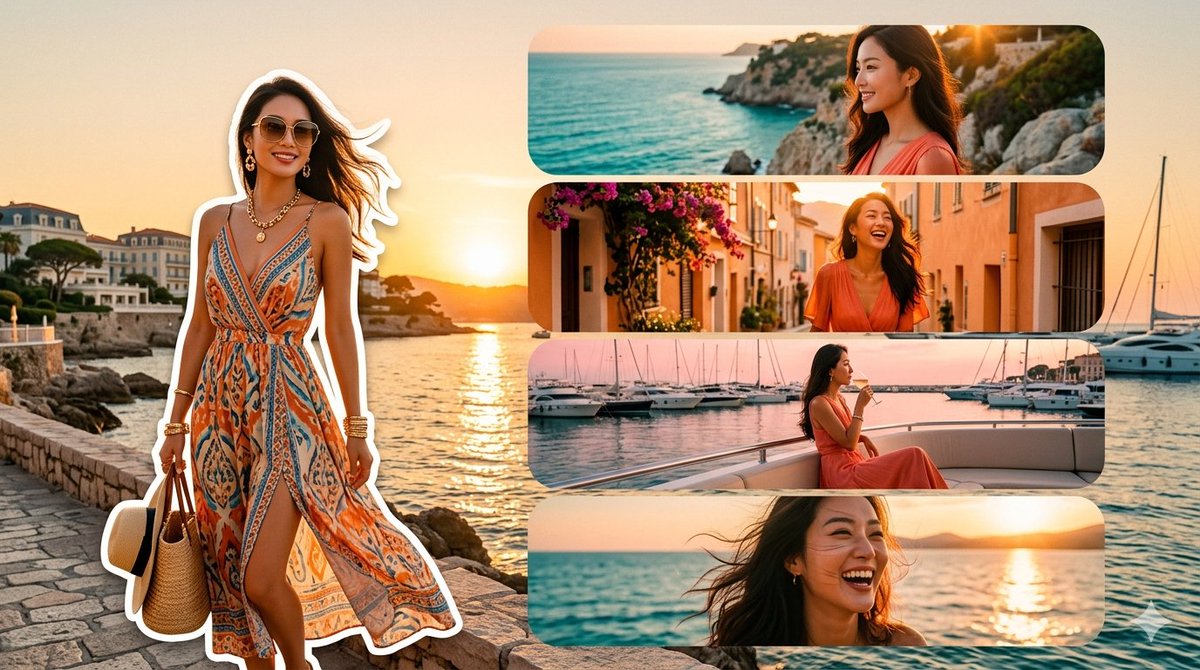
A photorealistic luxury travel mood board featuring an anonymized woman in a bohemian dress across a Riviera-style sunset collage.
 GPTI-490
An image editing prompt that adds artistic, hand-drawn doodles and humorous notes over a realistic photograph while preserving the original subject.
 GPTI-645
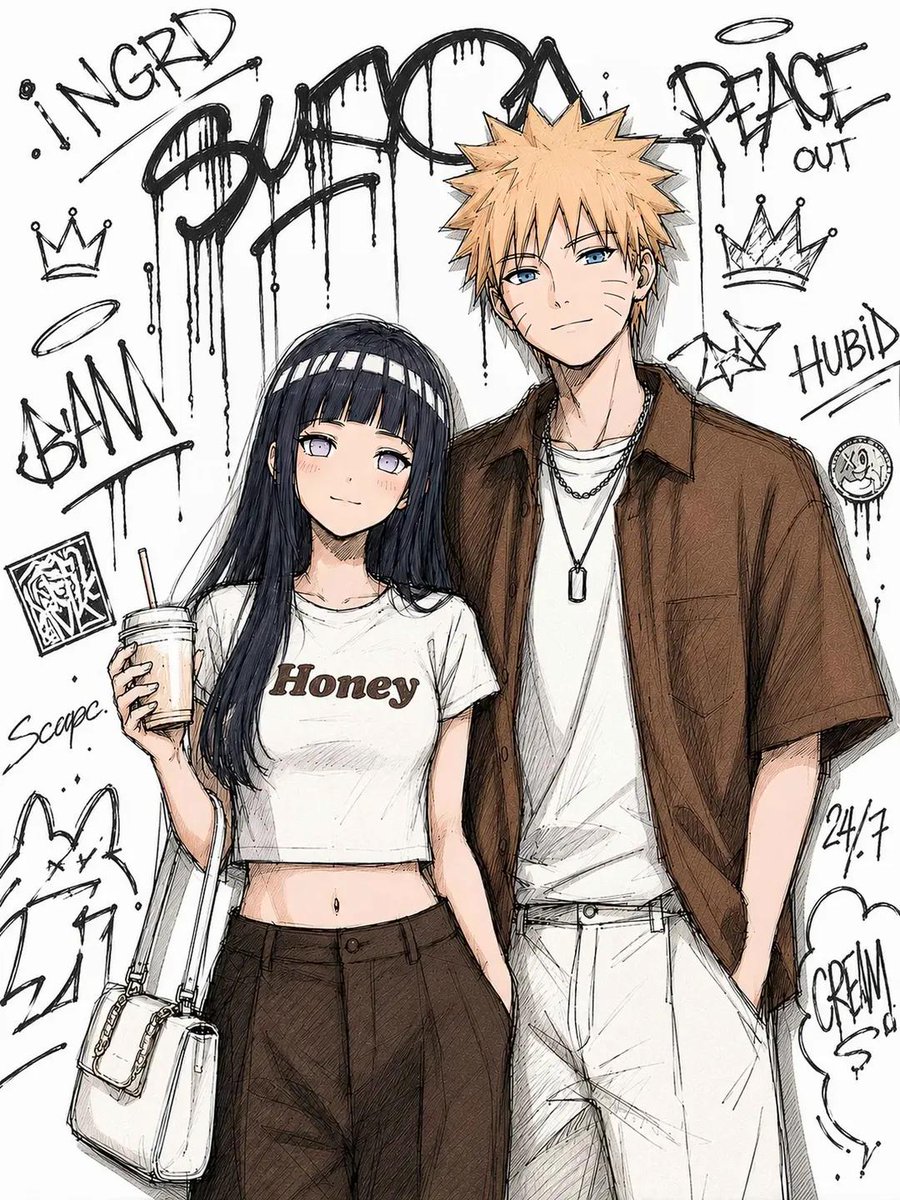
Creates stylish urban sketch illustrations of anime characters in Tokyo street fashion with graffiti backgrounds and ink outlines.
 GPTI-737
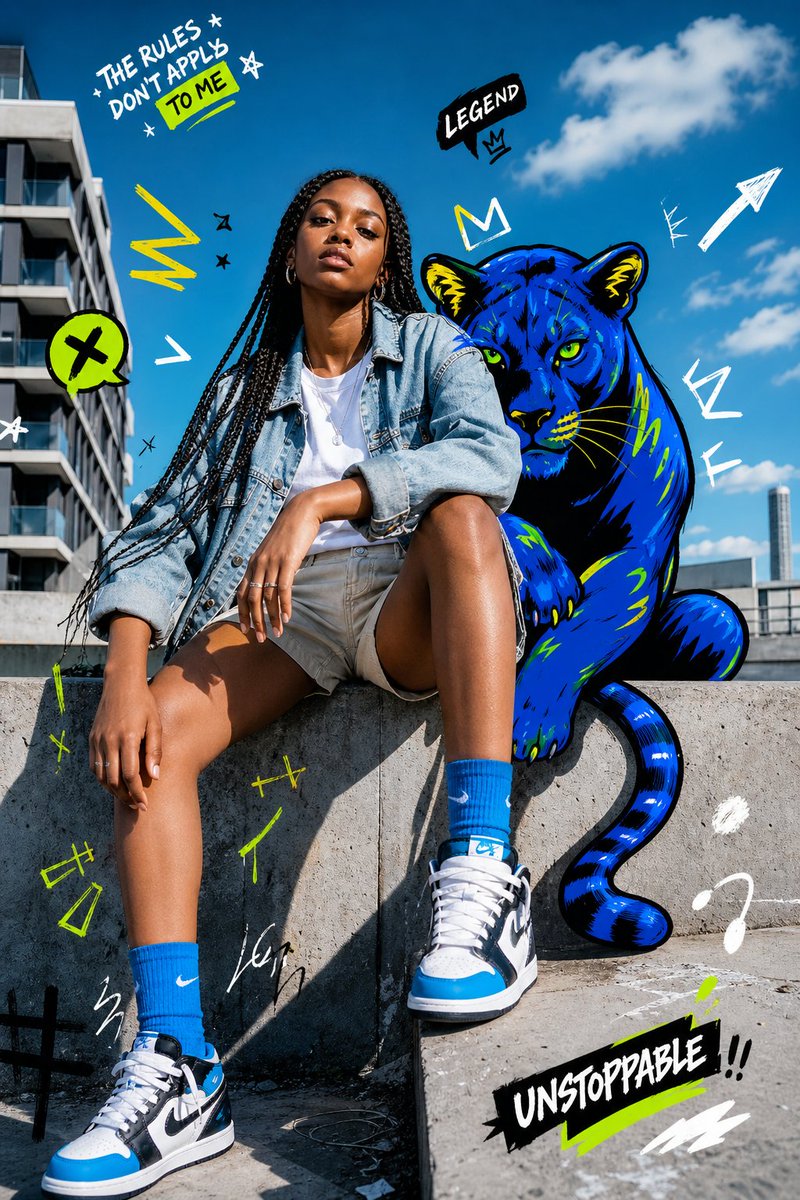
Generates a bold urban fashion portrait mixing realistic street photography with neon graffiti doodles and a blue panther companion.
 GPTI-741
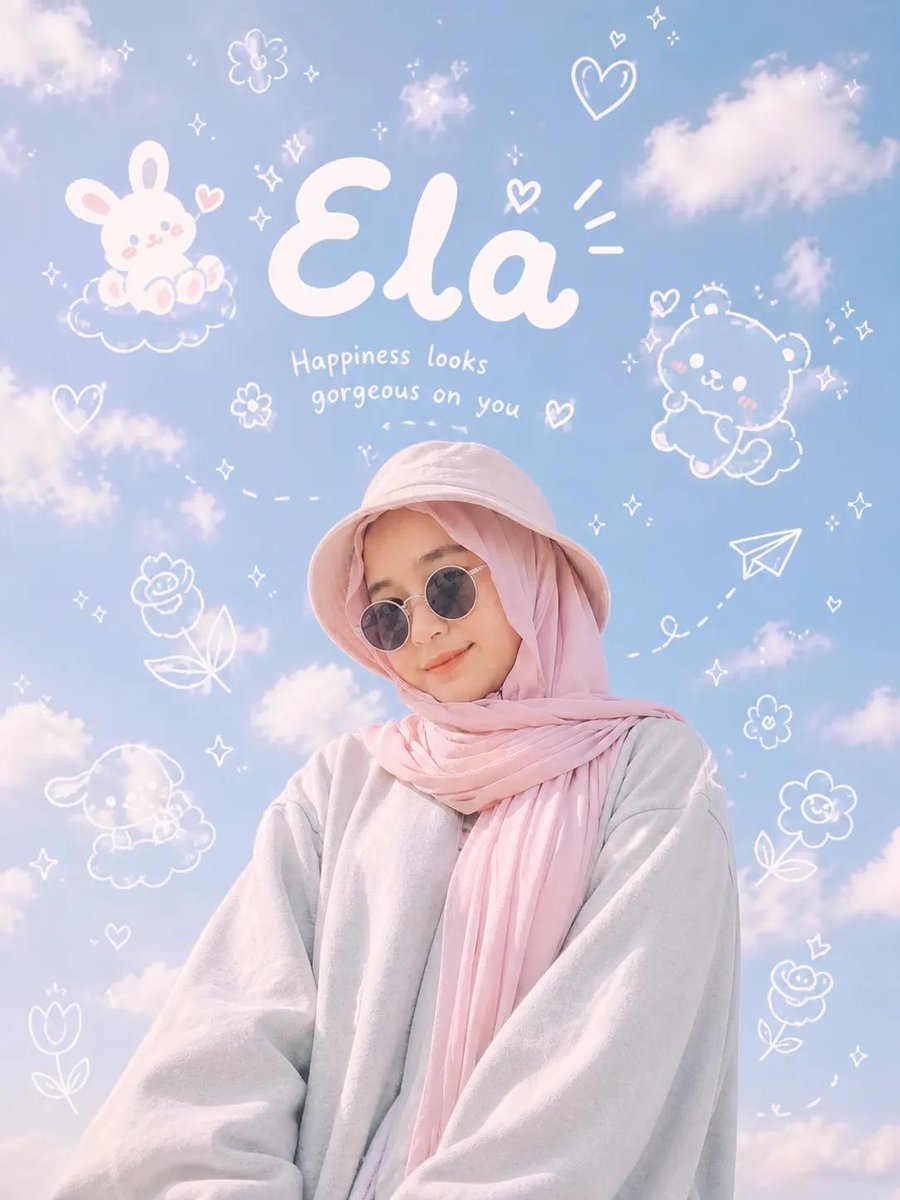
A creative prompt that blends ultra-realistic photography with playful hand-drawn doodles and typography, perfect for a modern Gen Z social media aesthetic.