
 GPTI-490
Social Media Post - Creative Doodled Image Overlay
An image editing prompt that adds artistic, hand-drawn doodles and humorous notes over a realistic photograph while preserving the original subject.
A creative prompt for adding expressive, hand-drawn doodles to an existing photo while preserving the original subject's identity, pose, and lighting for a playful, sketchbook-like aesthetic.
Prompt
Transform the uploaded image by keeping the {argument name="subject" default="subject"} exactly as they are—preserve their identity, pose, composition, and lighting without any distortion or alteration. Build on top of the original photo by adding expressive, hand-drawn doodles that interact playfully with the subject. Let the illustrations respond to the scene, trace or exaggerate gestures, extend movement, highlight contours, or introduce imaginative elements that feel connected to what’s happening in the frame. The doodles should feel intentional, as if they were sketched directly onto the image in a spontaneous yet thoughtful way. Use a loose, imperfect drawing style with slightly uneven strokes, organic lines, and a casual, sketchbook-like vibe. Incorporate {argument name="notes" default="handwritten notes or captions"} around the image that match the mood or narrative—keep them witty, context-aware, and naturally playful rather than generic. Make sure the added elements complement the photo instead of overpowering it. Aim for a visually balanced composition with a clean, high-resolution finish and colors that blend harmoniously with the original scene.Attribution
Open the GPT Image 2 generator, paste a prompt from this library, and start iterating toward a usable image.
More like this
GPTI-490An image editing prompt that adds artistic, hand-drawn doodles and humorous notes over a realistic photograph while preserving the original subject.
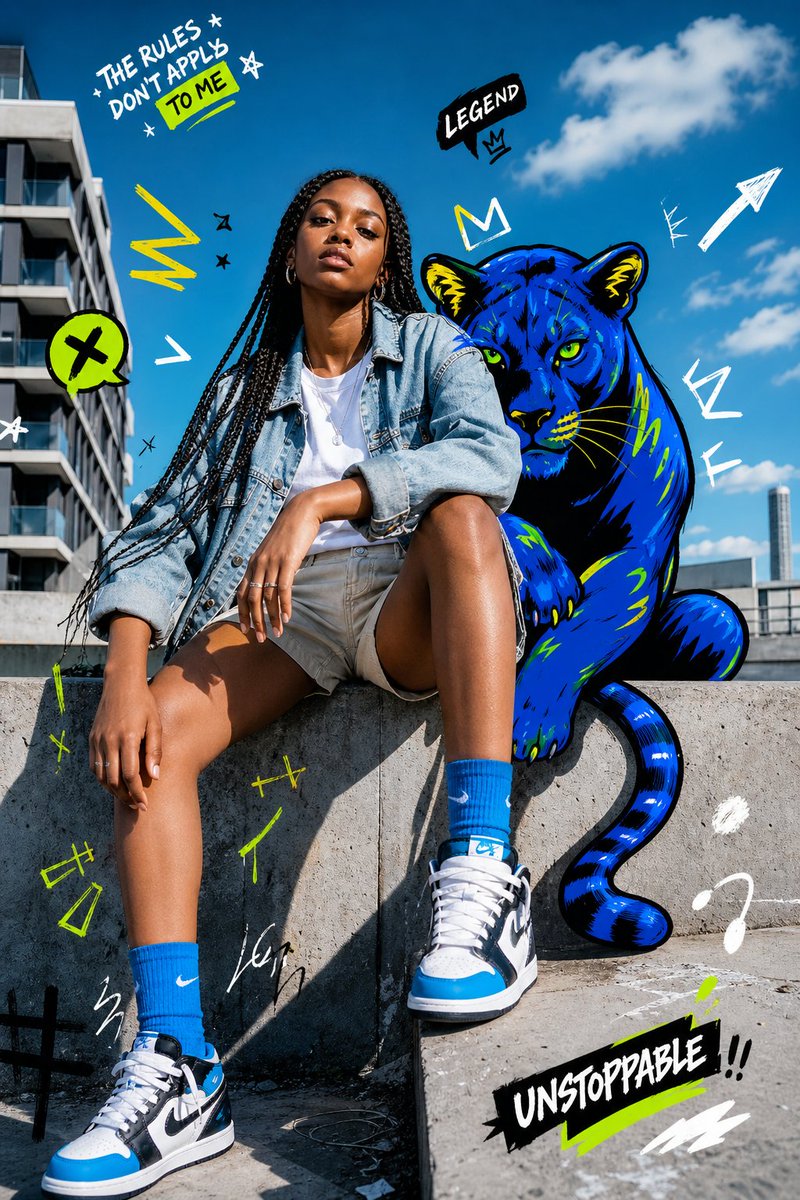 GPTI-737
Generates a bold urban fashion portrait mixing realistic street photography with neon graffiti doodles and a blue panther companion.
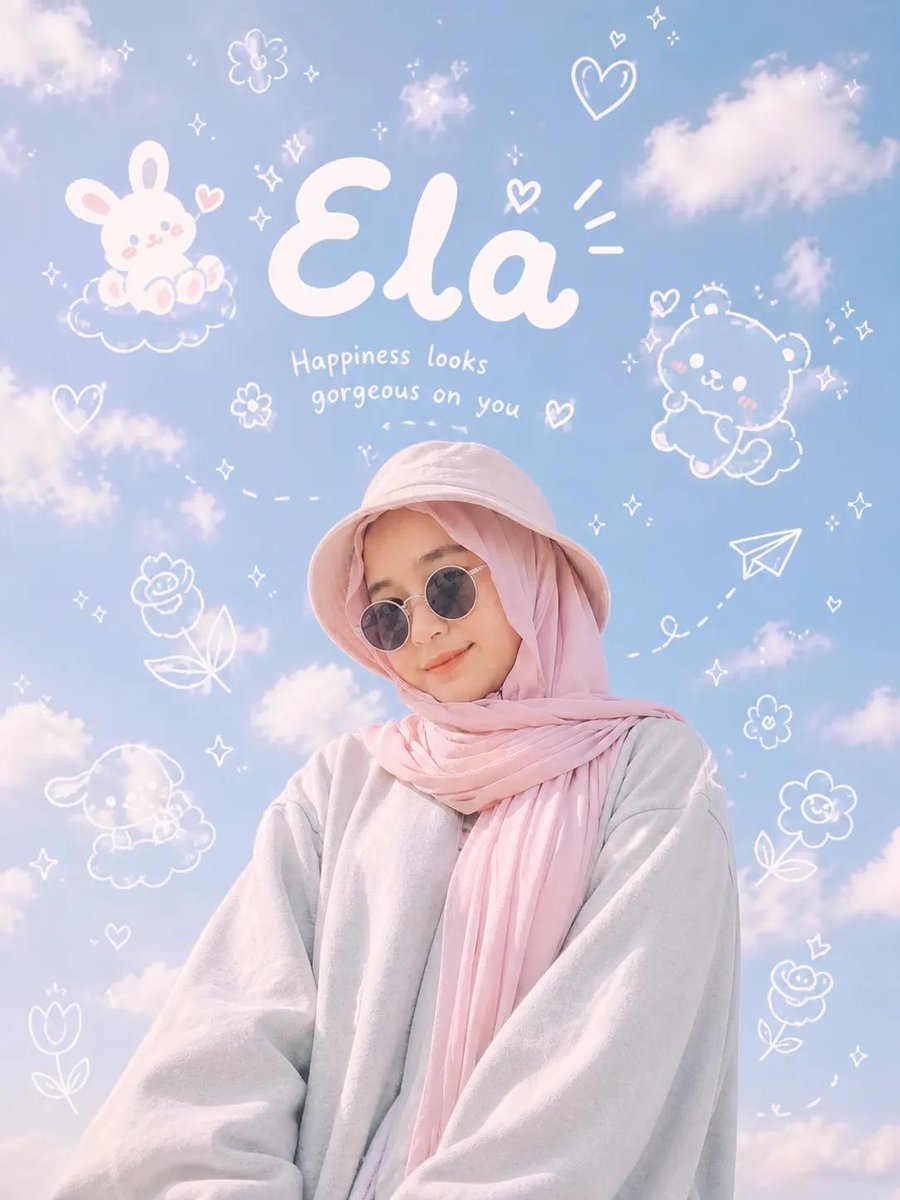 GPTI-741
A creative prompt that blends ultra-realistic photography with playful hand-drawn doodles and typography, perfect for a modern Gen Z social media aesthetic.
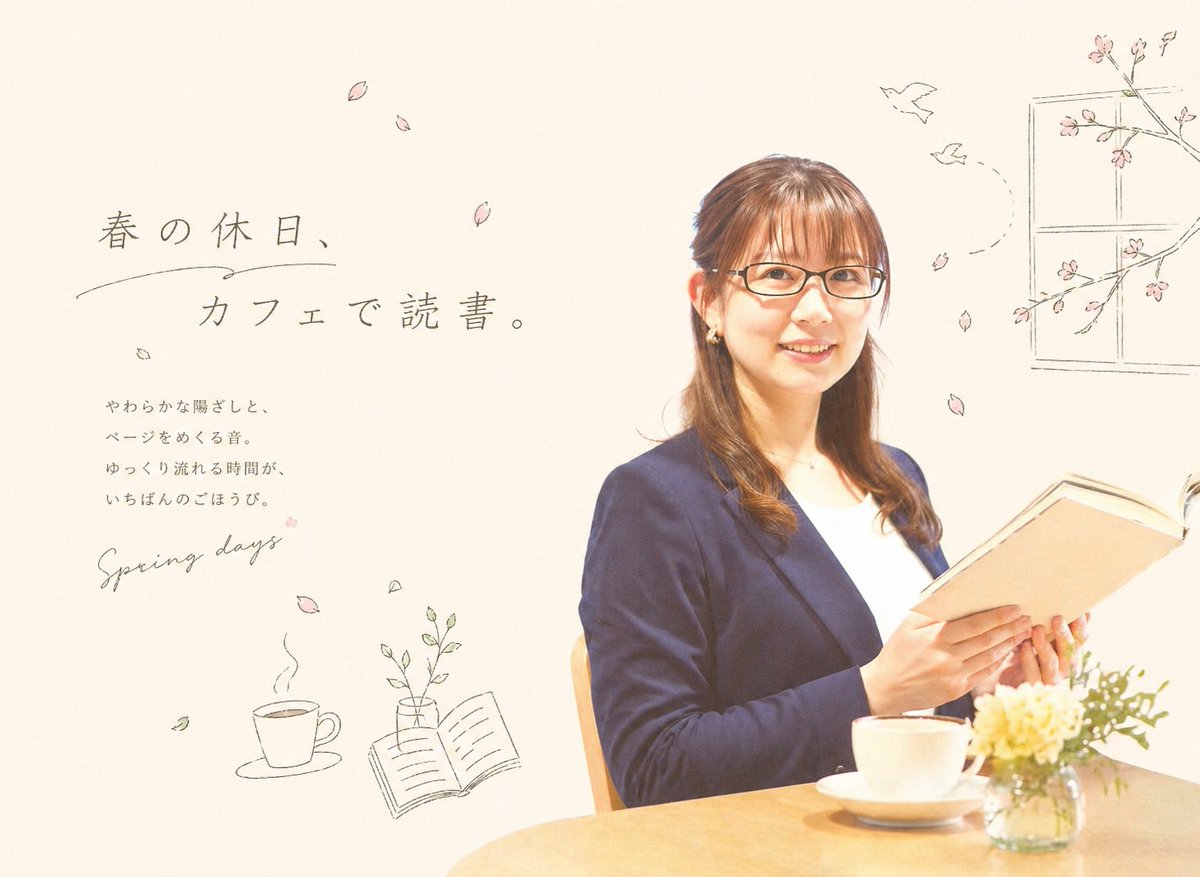 GPTI-1027
This prompt generates a soft Japanese spring-themed cafe editorial image that blends portrait photography with hand-drawn magazine-style text and doodles.
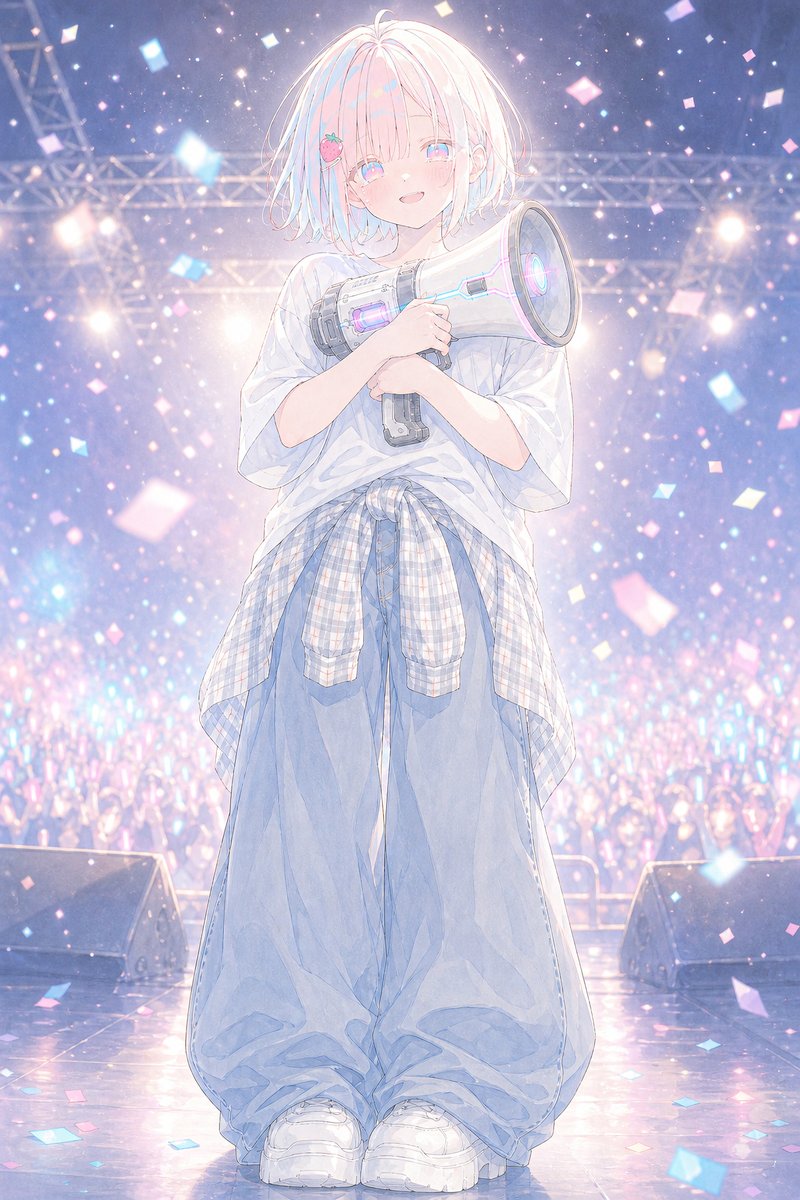 GPTI-030
A dreamy vertical anime illustration of a shy idol holding a glowing megaphone on a confetti-filled concert stage.
 GPTI-139
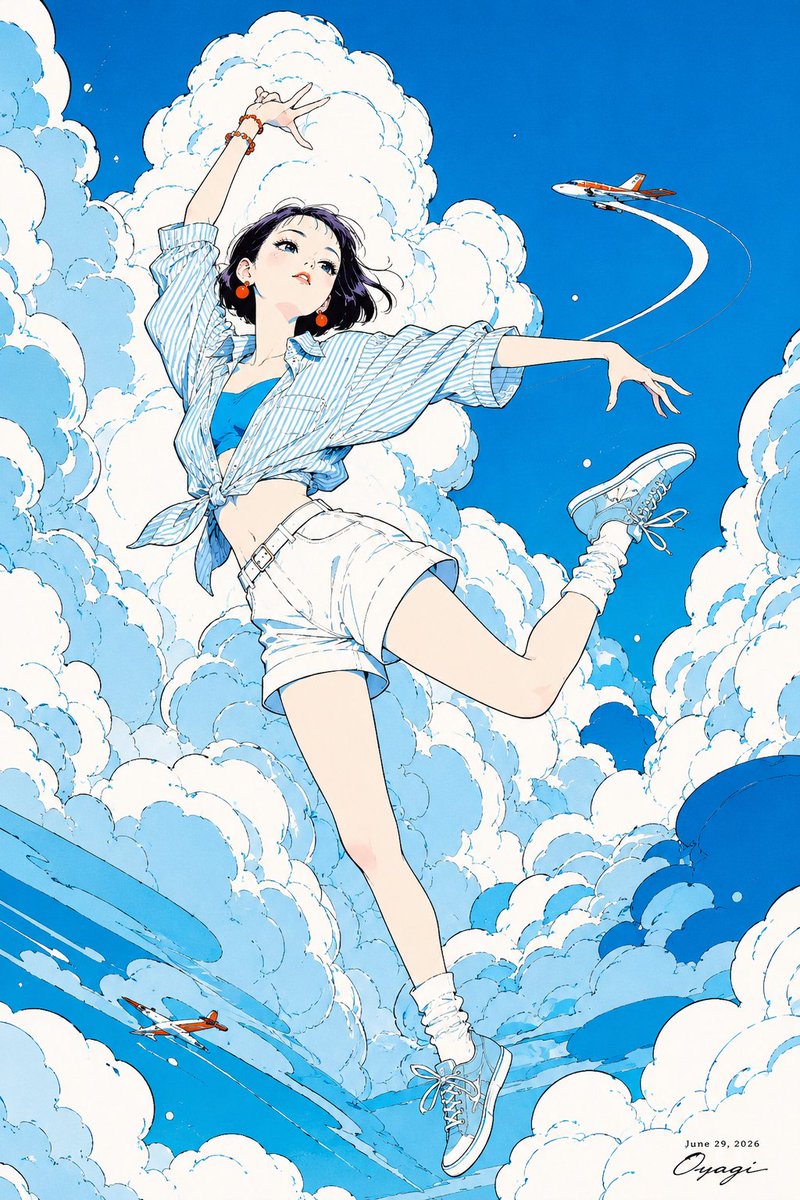
Generates a vibrant vertical anime poster of a stylish girl drifting through bright clouds with two small airplanes and sweeping contrails.